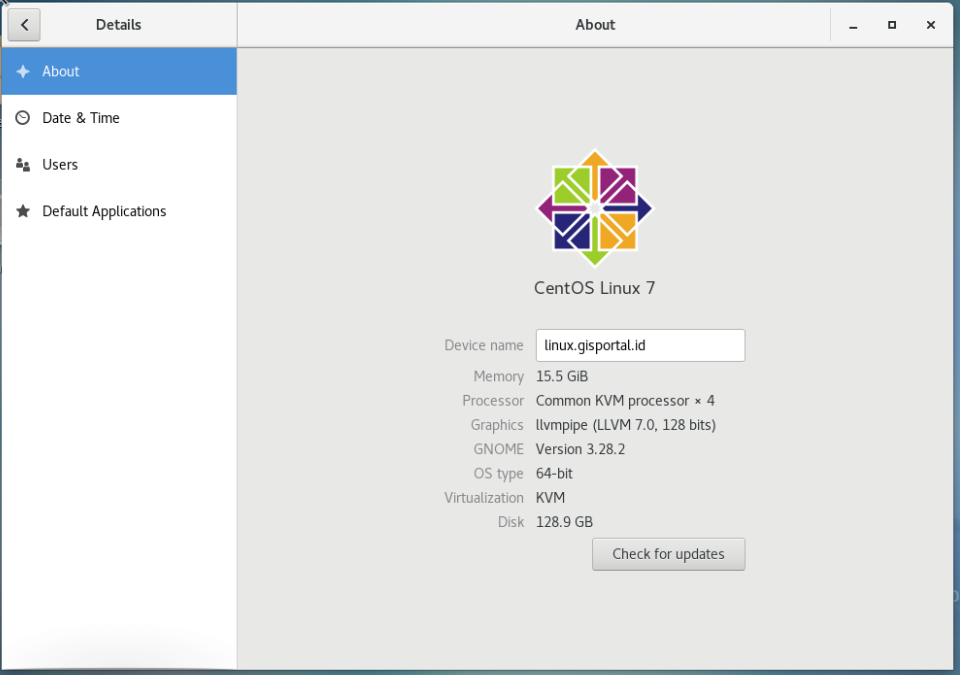
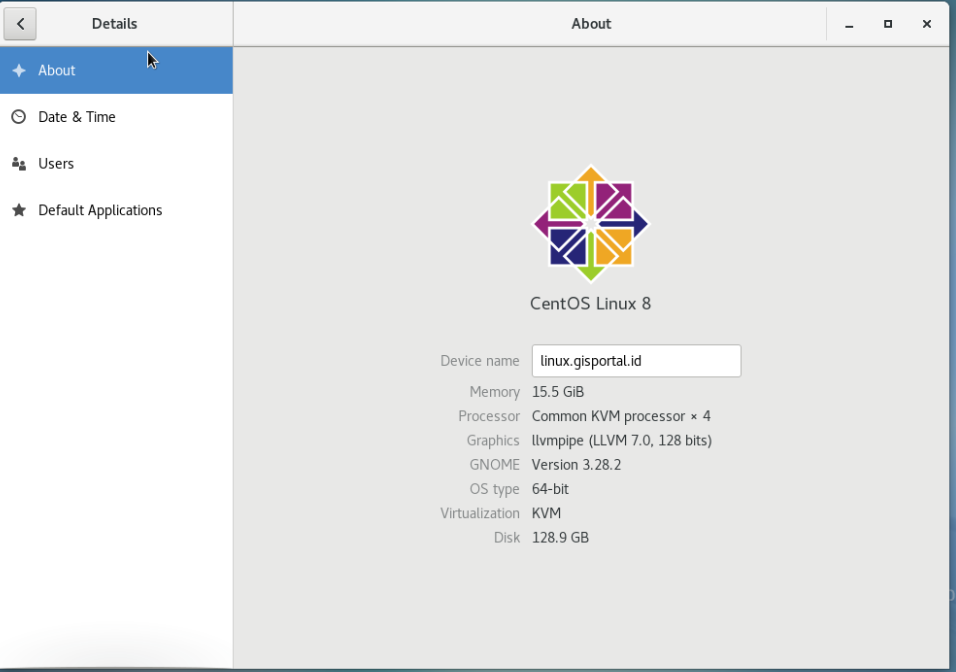
# Upgrade Ceonto 7 to Centos 8
| Centos 7<br> | Centos 8<br> |
| --- | --- |
|  |  |
## Upgrade commad
How to Upgrade CentOS 7 to CentOS 8 Linux
https://www.tecmint.com/upgrade-centos-7-to-centos-8/
```
yum update
```
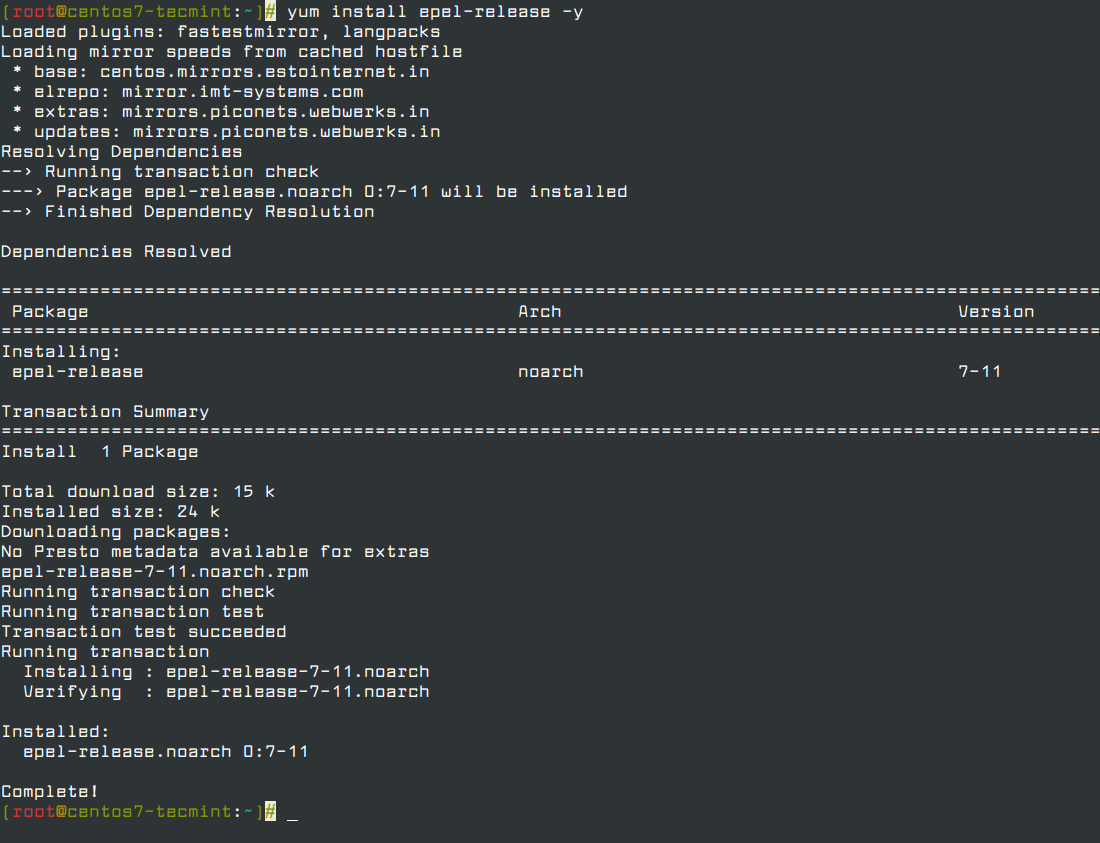
Step 1: Install the EPEL Repository
To start off, install the EPL repository by running:
```
yum install epel-release -y
```
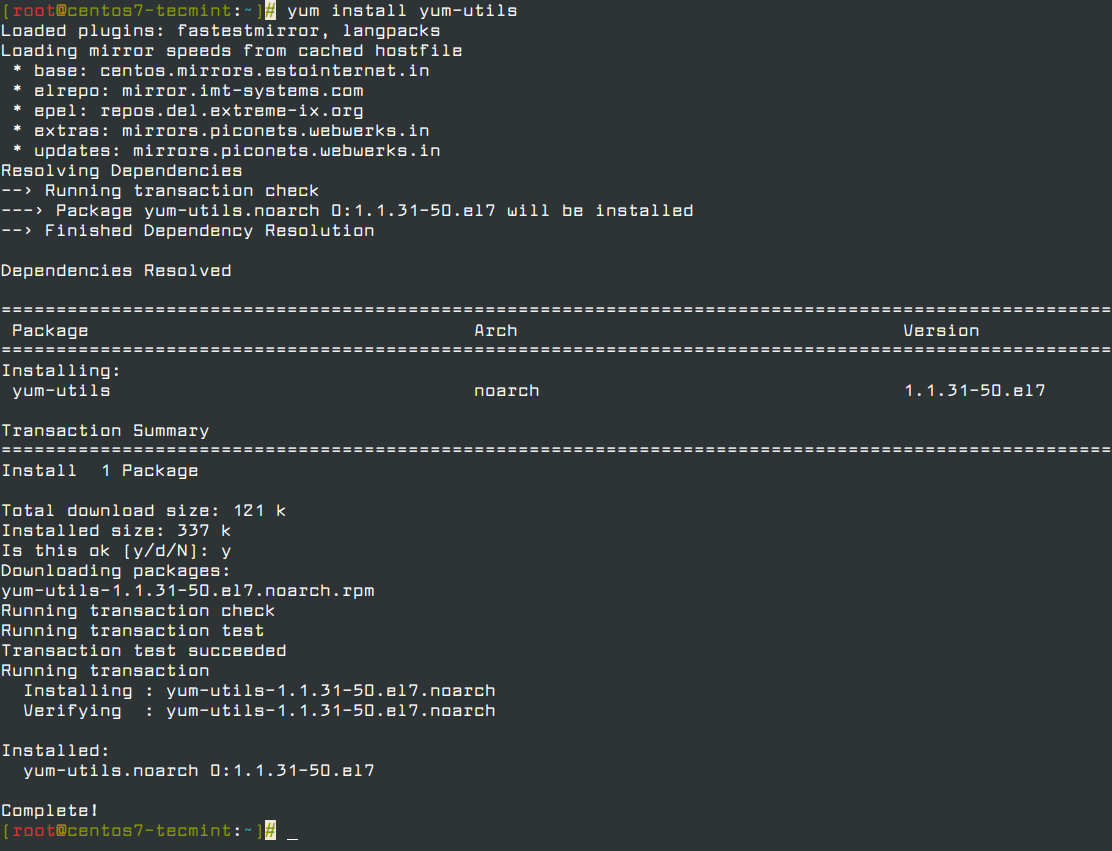
Step 2: Install yum-utils Tools
After successfully installing EPEL, install yum-utils by running the command below.
```
yum install yum-utils
```
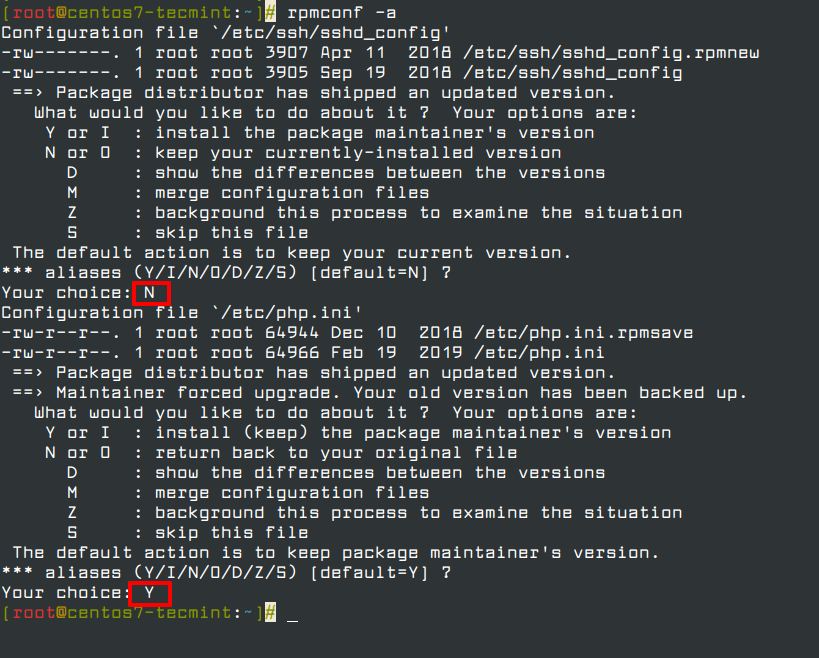
Thereafter, you need to resolve RPM packages by executing the command.
```
yum install rpmconf
```
```
rpmconf -a
```
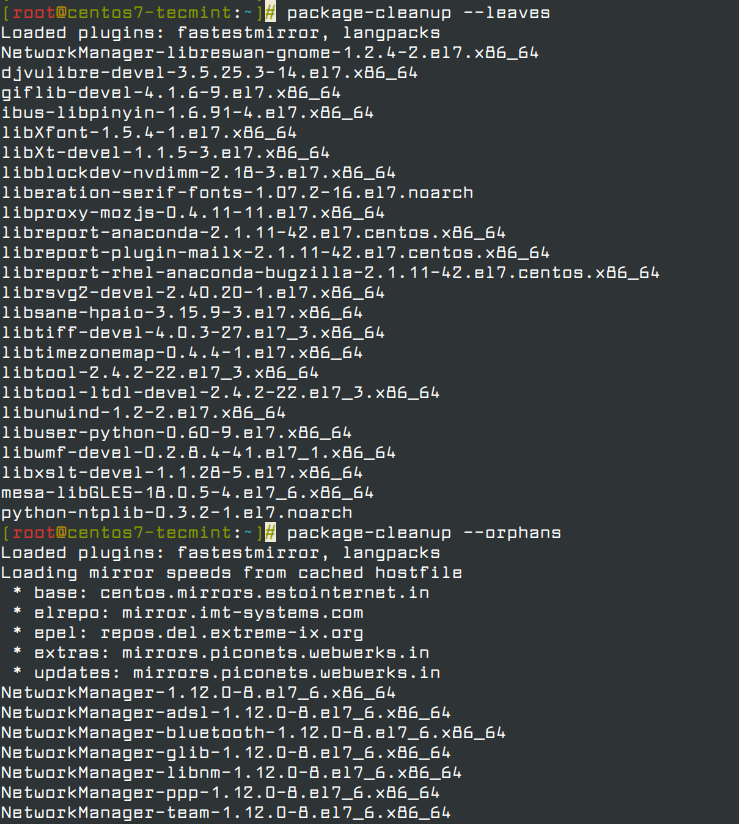
Next, perform a clean-up of all the packages you don’t require.
```
package-cleanup --leaves
```
```
package-cleanup --orphans
```
Now install the dnf package manager which is the default package manager for CentOS 8.
```
yum install dnf
```
You also need to remove the yum package manager using the command.
```
dnf -y remove yum yum-metadata-parser
```
```
rm -Rf /etc/yum
```
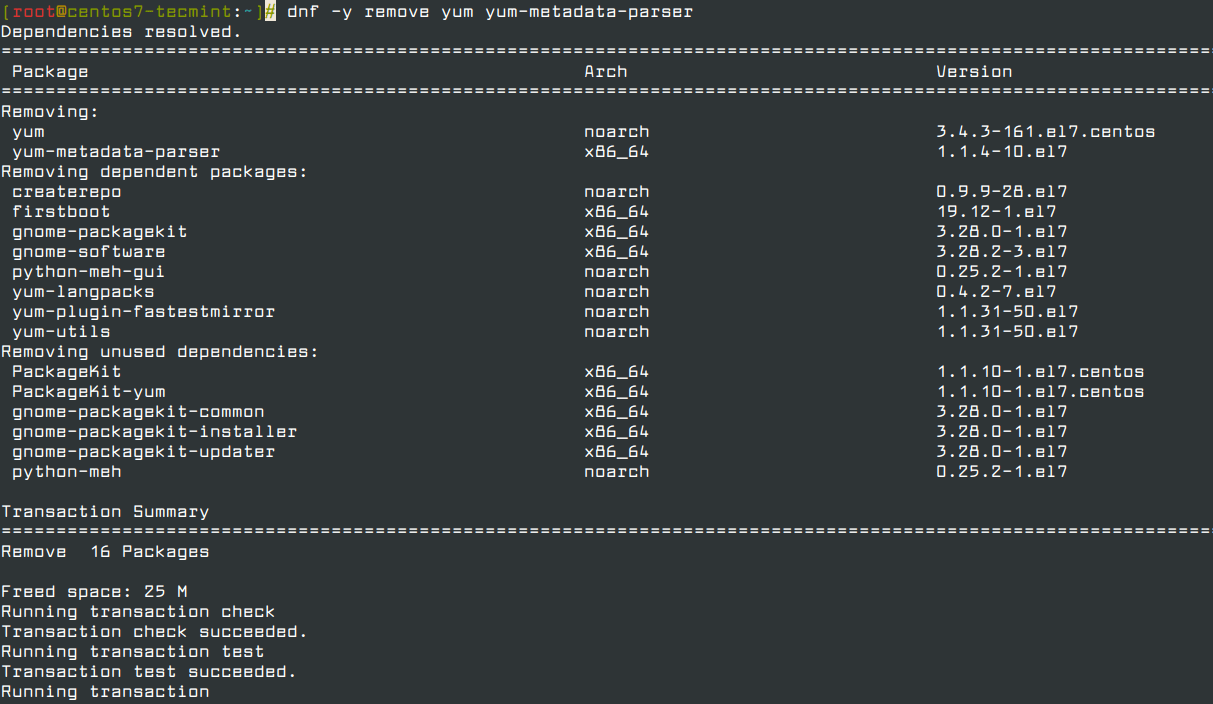
We are now ready to upgrade CentOS 7 to CentOS 8, but before we do so, upgrade the system using the newly install dnf package manager.
```
dnf upgrade
```
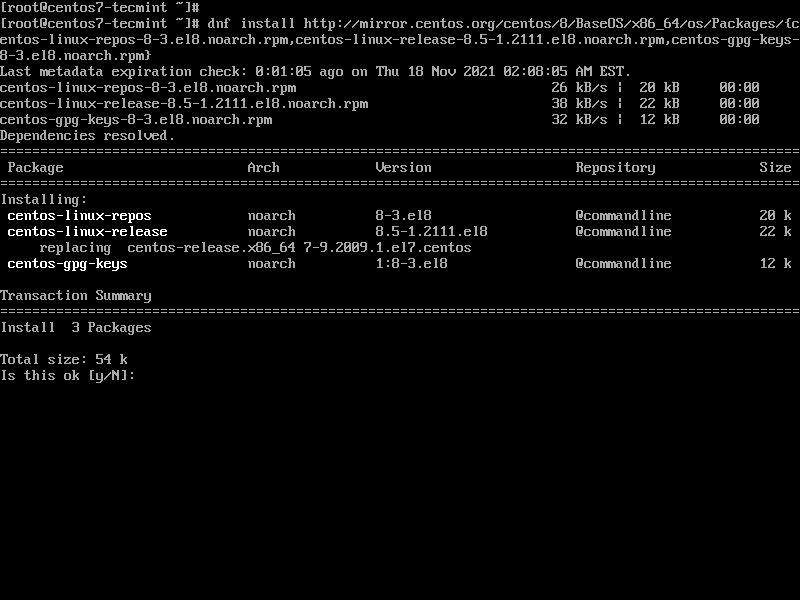
Next, install CentOS 8 release package using dnf as shown below. This will take a while.
```
dnf install http://vault.centos.org/8.5.2111/BaseOS/x86_64/os/Packages/{centos-linux-repos-8-3.el8.noarch.rpm,centos-linux-release-8.5-1.2111.el8.noarch.rpm,centos-gpg-keys-8-3.el8.noarch.rpm}
```
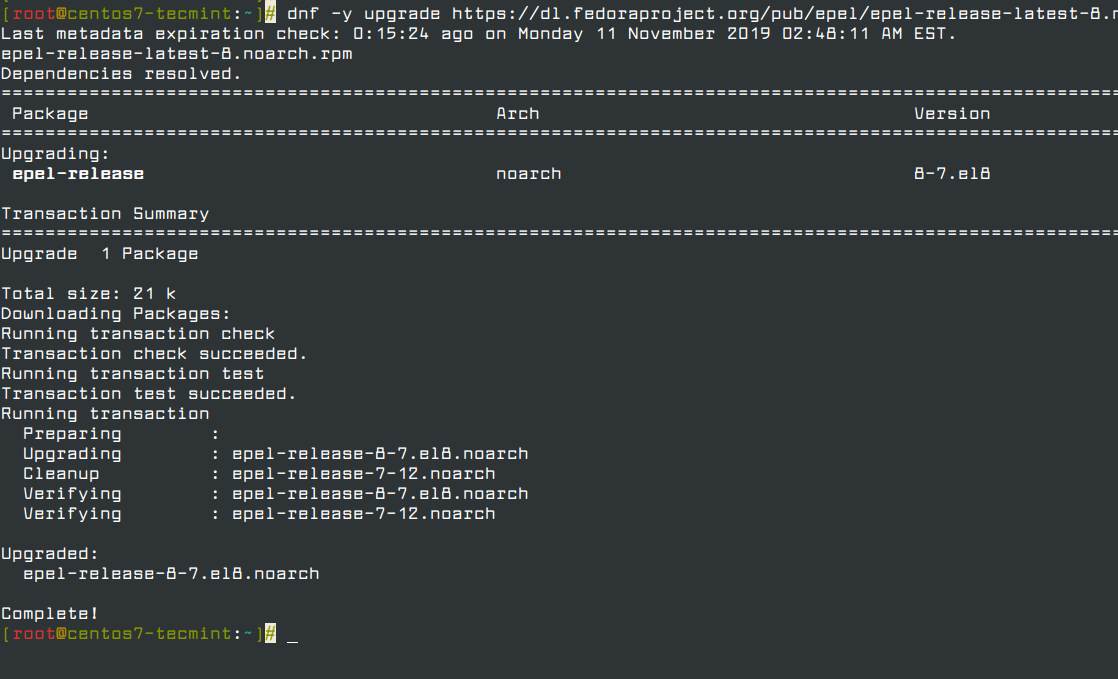
Next, upgrade the EPEL repository.
```
dnf -y upgrade https://dl.fedoraproject.org/pub/epel/epel-release-latest-8.noarch.rpm
```
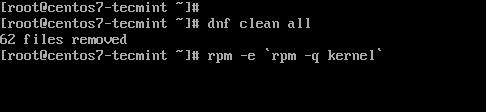
After successfully upgrading the EPEL repository, remove all the temporary files.
```
dnf clean all
```
Remove the old kernel core for CentOS 7.
```
rpm -e `rpm -q kernel`
```
Next, be sure to remove conflicting packages.
```
rpm -e --nodeps sysvinit-tools
```
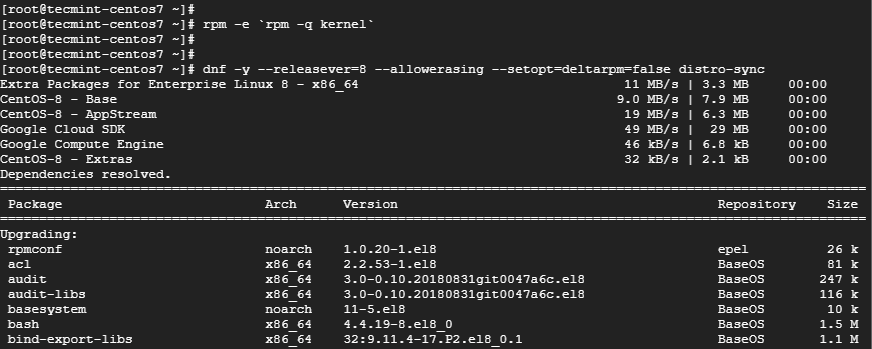
Thereafter, launch the CentOS 8 system upgrade as shown.
```
dnf -y --releasever=8 --allowerasing --setopt=deltarpm=false distro-sync
```
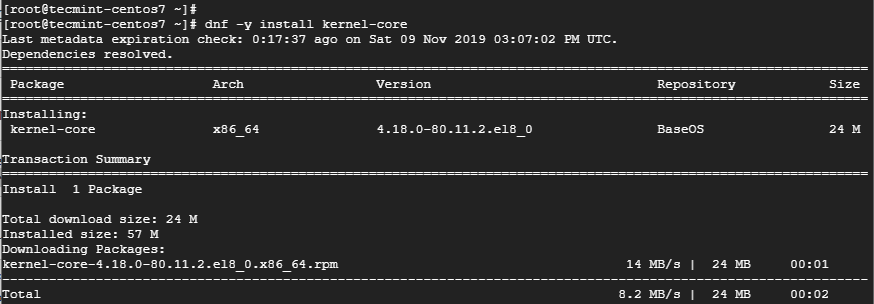
To install a new kernel for CentOS 8, run the command.
```
dnf -y install kernel-core
```
Finally, install CentOS 8 minimal package.
```
dnf -y groupupdate "Core" "Minimal Install"
```
OR
```
dnf -y groupupdate "Core"
```
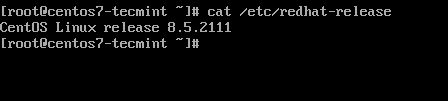
Now you can check the version of CentOS installed by running.
```
cat /etc/redhat-release
```
```
reboot
```
# refrensi
- [/www.tecmint.com](https://www.tecmint.com/upgrade-centos-7-to-centos-8/): How to Upgrade CentOS 7 to CentOS 8 Linux

 rbsetiawan
Upgrade Ceonto 7 to Centos 8
Upgrade commad
How to Upgrade CentOS 7 to CentOS 8 Linux
https://www.tecmint.com/upgrade-centos-7-to-centos-8/
Step 1: Install the EPEL Repository
To start off, install the EPL repository by running:
Step 2: Install yum-utils Tools
After successfully installing EPEL, install yum-utils by running the command below.
Thereafter, you need to resolve RPM packages by executing the command.
Next, perform a clean-up of all the packages you don’t require.
Now install the dnf package manager which is the default package manager for CentOS 8.
You also need to remove the yum package manager using the command.
We are now ready to upgrade CentOS 7 to CentOS 8, but before we do so, upgrade the system using the newly install dnf package manager.
Next, install CentOS 8 release package using dnf as shown below. This will take a while.
Next, upgrade the EPEL repository.
After successfully upgrading the EPEL repository, remove all the temporary files.
Remove the old kernel core for CentOS 7.
Next, be sure to remove conflicting packages.
Thereafter, launch the CentOS 8 system upgrade as shown.
To install a new kernel for CentOS 8, run the command.
Finally, install CentOS 8 minimal package.
OR
Now you can check the version of CentOS installed by running.
refrensi